Accessible by Design: Why Web Accessibility Isn't Optional
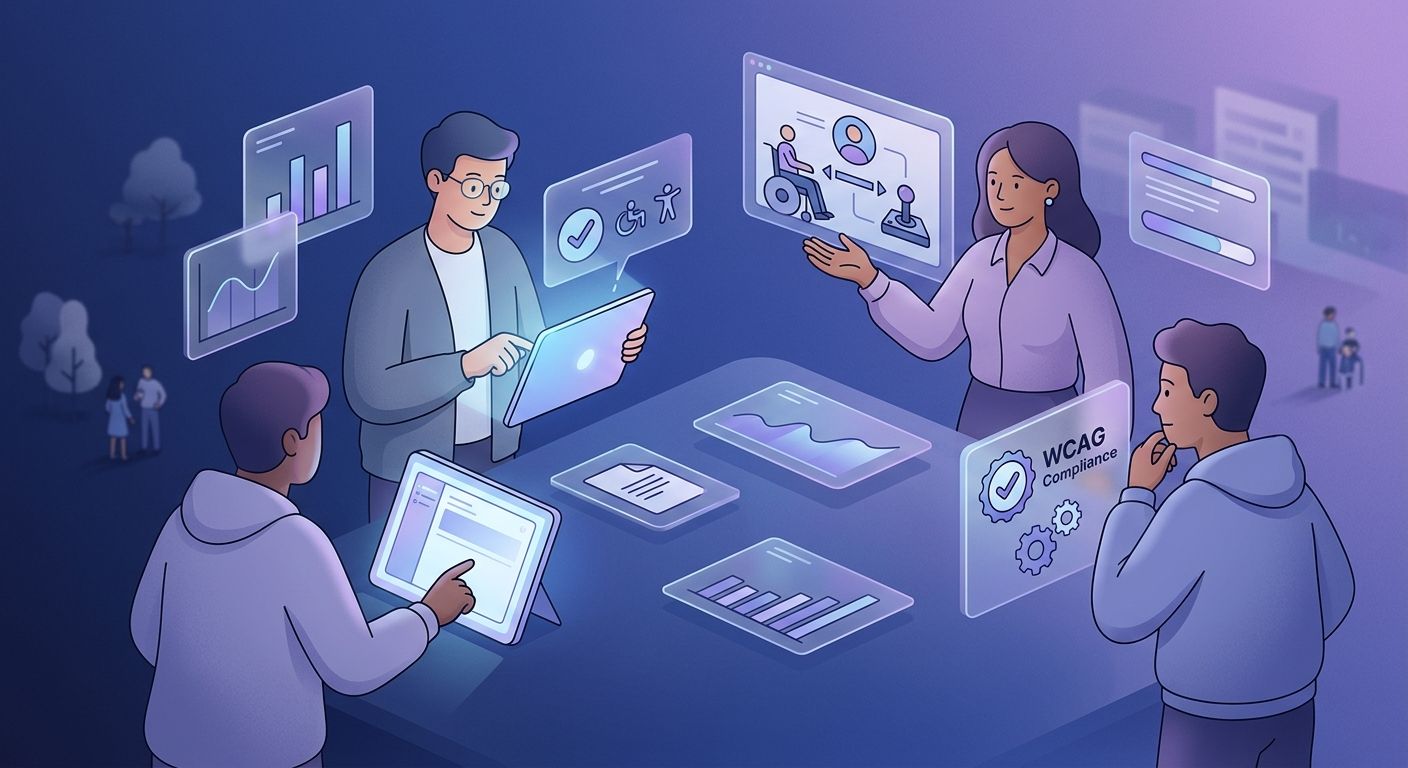
Accessible by Design: Why Web Accessibility Isn't Optional
A website can look great, load quickly, and work perfectly for most people while still being completely unusable for someone else.
A button may be impossible to reach without a mouse. A form might not make sense to someone using a screen reader. Text may have poor contrast, or important information might be communicated only through color.
None of these problems necessarily appear during a normal test on a laptop. They become obvious when you consider the different ways people actually interact with the web.
Web accessibility is about making digital products usable by people with different abilities, including people with visual, hearing, motor, and cognitive disabilities. It is not a special version of a website. It is part of building a website properly in the first place.
What Does Web Accessibility Actually Mean?
Accessibility means that people should be able to perceive, understand, navigate, and interact with a website regardless of the limitations they may have.
The Web Content Accessibility Guidelines (WCAG) provide an internationally recognized framework for achieving this. WCAG organizes accessibility around four principles: content should be perceivable, operable, understandable, and robust.
These principles cover much more than adding a few accessibility features at the end of development.
A website needs meaningful structure, usable navigation, sufficient color contrast, keyboard support, appropriate text alternatives for images, accessible forms, and compatibility with assistive technologies. The exact requirements depend on the product, but the underlying idea is simple: people should not be blocked from using your website because of how it was designed.
Accessibility Starts With the Design
Accessibility problems are often much easier to prevent during design than to fix later.
Consider a form. If the designer creates a visually clear input field but does not consider how its label will be communicated to a screen reader, the development team has already inherited an accessibility problem. The same applies to color choices, navigation, typography, buttons, error messages, and interactive components.
Designers therefore need to think beyond how a page looks.
Can someone navigate it using only a keyboard? Can they understand which elements are interactive? Is the text readable? What happens when someone increases the font size? Does the interface still make sense without relying on color alone?
These questions do not require a separate accessibility version of the design. They simply require considering more users while designing the original experience.
Accessibility Is Not Just About Screen Readers
Screen readers are one of the most recognizable accessibility technologies, but they are only part of the picture.
Someone with limited motor control may rely on a keyboard or another input device rather than a mouse. Someone with low vision may need larger text or stronger contrast. Someone with a cognitive disability may benefit from predictable navigation and clear instructions.
Even temporary situations can create similar limitations. Someone might be using a phone in bright sunlight, have an injured hand, or be unable to listen to audio in a particular environment.
Designing for accessibility therefore often improves usability beyond the people accessibility standards specifically aim to support.
Small Development Decisions Make a Big Difference
A surprising amount of accessibility comes down to basic development practices.
Semantic HTML gives browsers and assistive technologies useful information about the structure of a page. Proper headings make content easier to navigate. Labels connect forms with their inputs. Keyboard-accessible controls allow people to interact without a mouse.
Images need meaningful alternative text when they communicate information, while decorative images can be treated differently. Videos may need captions. Error messages should explain what went wrong rather than simply highlighting a field in red.
None of these practices are particularly exotic.
The challenge is consistency. Accessibility can easily be lost when teams focus entirely on whether something works visually and forget that users may experience the same interface in completely different ways.
Accessibility Is Good Business
Accessibility is often discussed as an ethical responsibility, and it is. People should not be excluded from digital services simply because a product was not designed with them in mind.
There is also a practical business argument.
A website that is easier to navigate, read, and interact with can serve a broader range of customers. Clear forms, predictable navigation, readable content, and understandable error messages are useful to almost everyone.
Accessibility can also reduce the need for expensive changes later. Fixing an inaccessible component while it is still being designed is generally much easier than discovering the problem after it has been implemented across an entire product.
For businesses that depend heavily on digital experiences, accessibility is therefore not just about compliance or reputation. It is part of building a product that more people can actually use.
Don't Rely on Automated Testing Alone
Automated accessibility tools are useful, but they cannot tell you everything about the experience.
A tool can identify certain technical problems, such as missing alternative text or insufficient color contrast. It cannot reliably determine whether the language of a form is confusing, whether the navigation makes sense, or whether a screen-reader user can actually complete an important task.
Real accessibility testing needs human judgment.
Teams should combine automated checks with manual keyboard testing, careful review of interface behavior, and, when possible, testing with people who actually use assistive technologies.
The question is not simply whether the code passes a checklist. It is whether a person can successfully use the product.
Accessibility Should Be Part of the Process
The easiest way to create accessibility problems is to treat accessibility as something that happens at the end.
By then, design decisions have already been made, components have already been built, and inaccessible patterns may exist throughout the application. Fixing them becomes slower and more expensive.
Instead, accessibility should appear throughout the development process. Designers can consider it while creating interfaces, developers can build accessible components from the beginning, and testers can include accessibility in normal quality checks.
This turns accessibility from a last-minute repair job into part of how the product is built.
Build for People, Not Just Devices
A website does not have one user experience.
People interact with software using different devices, browsers, input methods, screen sizes, and assistive technologies. Designing only for the way your own team uses the product means you are testing one very small part of the possible experience.
Accessibility forces teams to think more carefully about those differences.
It asks a simple but important question: What happens when someone cannot interact with this product in the way we expected?
A strong product has an answer.
Final Thoughts
Web accessibility is sometimes treated as an additional requirement that makes development more difficult. In reality, it is a reminder that software is being built for people rather than for the devices running it.
Accessible development means considering how people perceive information, navigate interfaces, complete tasks, and recover from mistakes. It requires thoughtful design, sound development practices, and testing that goes beyond whether a page looks correct.
The goal is not to create a separate experience for people with disabilities. The goal is to create an experience that does not unnecessarily exclude them.
Accessibility is easiest when it is considered from the beginning, because the best accessibility work is often invisible. The user simply visits the website, understands it, and gets what they came to do.
Build Software Everyone Can Use
Accessibility should not be something added to a finished product because someone eventually noticed it was missing. It should be part of the decisions made when the product is designed and built.
At DevStudio, we approach software development with the people using the product in mind. That means considering accessibility alongside usability, performance, security, and maintainability throughout the development process.
Whether you're building a new website or improving an existing product, accessibility can be addressed without sacrificing the experience you want to create. In many cases, it makes that experience better for everyone.
Build software that works for more people from the beginning, rather than trying to make it accessible afterward.